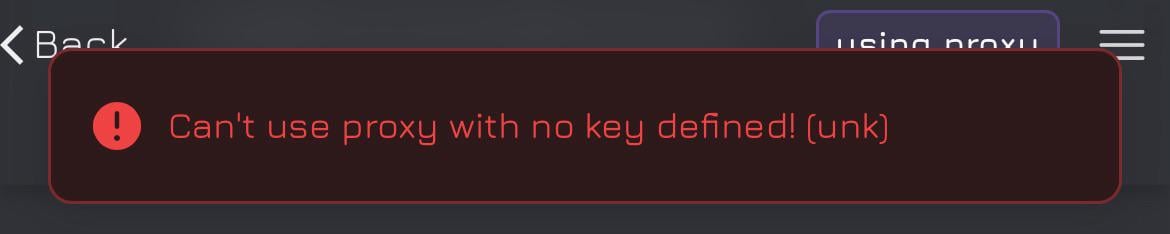
Fixing the 'Can't use proxy with no key defined! (unk)' Error in Janitor AI
Encountering the 'Can't use proxy with no key defined! (unk)' error can be frustrating, but there are some straightforward steps you can take to resolve it.
First, double-check your API settings. Ensure that your API key is correct and that the endpoint URL is accurate. It's easy to overlook invisible spaces or special characters, especially if you copied the key from a dashboard.
Here’s a quick guide to troubleshoot:
Use the “Test” button to verify your API key's validity.
Refresh the page or restart the tool to make sure the updated key is loaded properly.
Check if the issue is resolved; it often does the trick!
In my experience, I once faced a similar issue and realized I had an extra space in my API key. After correcting it, everything worked smoothly. It’s a small detail but can make a big difference!
If you're looking for more resources, I recommend checking out the official Janitor AI documentation or forums where users share their experiences and solutions. They can be incredibly helpful for troubleshooting and learning more about the tool.
Have you faced this error before? What solutions worked for you? Feel free to share your tips or any resources that helped you out!