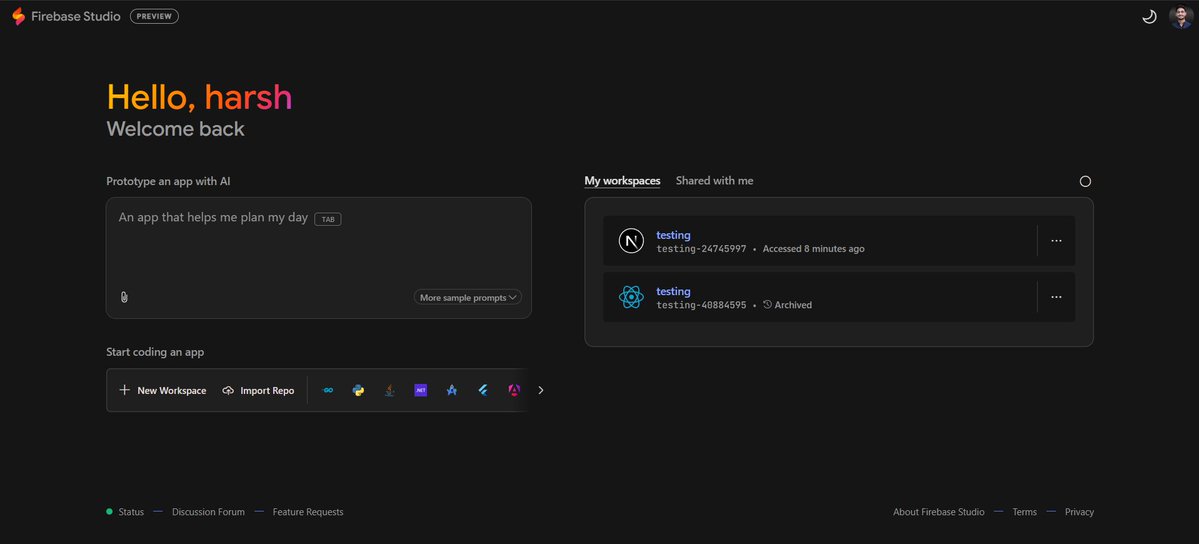
Looking to harness the power of Google Gemini for building full-stack AI apps? Here’s a practical...
Looking to harness the power of Google Gemini for building full-stack AI apps? Here’s a practical roadmap to get you started.
1. Define Your App IdeaStart by identifying a specific problem your app will solve. For instance, consider creating an app that helps users plan their day effectively.
2. Choose Your Tech StackDecide on the web framework (like React or Angular) and backend options (Node.js, Python, etc.) that suit your needs. Don’t forget to consider your database choice—Firebase is a solid option for real-time data handling.
3. Set Up Your WorkspaceUtilize Firebase Studio to create a new workspace. Import any existing repositories if needed. This will streamline your development process.
4. Develop Your AppBreak down your development into manageable tasks. Focus on building core features first, then iterate based on user feedback. Use tools like Git for version control to keep track of changes.
5. Test and OptimizeRegularly test your app for bugs and performance issues. Use metrics like load time and user engagement to gauge success. Optimize based on these insights.
6. Share Your ProgressEngage with the community by sharing your development journey. Ask for feedback on specific features or optimization techniques that have worked for others.
By following these steps, you can efficiently build a full-stack AI app that leverages the capabilities of Google Gemini. Let's get coding! 🚀